
Diaflow
FeaturedActiveDiaflow - Autonomous AI Agent platform for businesses
At a glance
Diaflow is an intelligent all-in-one workspace engineered to connect human teams and autonomous AI agents in one unified operating environment. As an autonomous AI agent platform for businesses, Diaflow allows organizations to design, orchestrate, and deploy AI teammates that execute multi-step operational tasks around the clock without requiring constant human prompting. Rather than forcing companies to piece together separate subscriptions for AI chat interfaces, standalone automation tools, custom databases, and vector storage, the platform consolidates these capabilities into a single system. Non-technical business users can automate recurring operational processes across finance, sales, marketing, and human resources using intuitive drag-and-drop workflow canvases and pre-built templates. Backed by workspace-level data isolation, role-based access controls, and a strict no-training data privacy policy, Diaflow provides an enterprise-ready foundation for scalable AI adoption.
How it works
- Establish an Isolated Workspace: Create an organization workspace and connect primary business data sources, file directories, and cloud services under dedicated access permissions.
- Deploy Autonomous Teammates: Assign AI agents to specific functional positions, defining their operational scope, available tools, execution schedules, and baseline rules.
- Assemble Orchestration Workflows in Studio: Construct multi-step logic flows on the visual canvas by linking database tables, API integrations, reasoning nodes, and decision criteria.
- Collaborate and Handle Exceptions: Review structured outputs in native Tables or communicate directly with agents via Chat, stepping in only when flagged exceptions require human sign-off.
- Monitor Consumption and Audits: Track task runs, token usage, and user interactions in real time via unified analytics and centralized compliance audit logs.
Features and capabilities
Autonomous AI Teammates
- 24/7 Autonomous Execution: Handles recurring, end-to-end operational responsibilities without requiring continuous manual prompts.
- Custom Operational Roles: Assigns agents dedicated business functions including invoice reconciliation, lead enrichment, and ticket triaging.
- Scheduled & Event Triggers: Runs scheduled routines or triggers automated actions based on predefined business criteria.
Studio & Workflow Orchestration
- Visual Drag-and-Drop Canvas: Assembles complex multi-step workflows without writing custom backend code.
- Multi-Model Routing: Connects diverse frontier and task-specialized LLMs, vision, and multimodal models across a unified balance.
- API & Logic Integrations: Links external APIs, conditional logic branches, and reasoning loops seamlessly.
Data Governance & Built-in Tools
- Native Tables & Relational Database: Lets agents and human teammates collaborate directly on live records without external spreadsheets.
- Interactive Pages & Long-Form Editing: Drafts, edits, and finalizes long-form operational documentation and reports natively.
- Enterprise Data Isolation & Audit Logging: Workspaces remain strictly isolated with no model training on customer data, backed by granular role permissions and audit trails.
Screenshots
See Diaflow in action
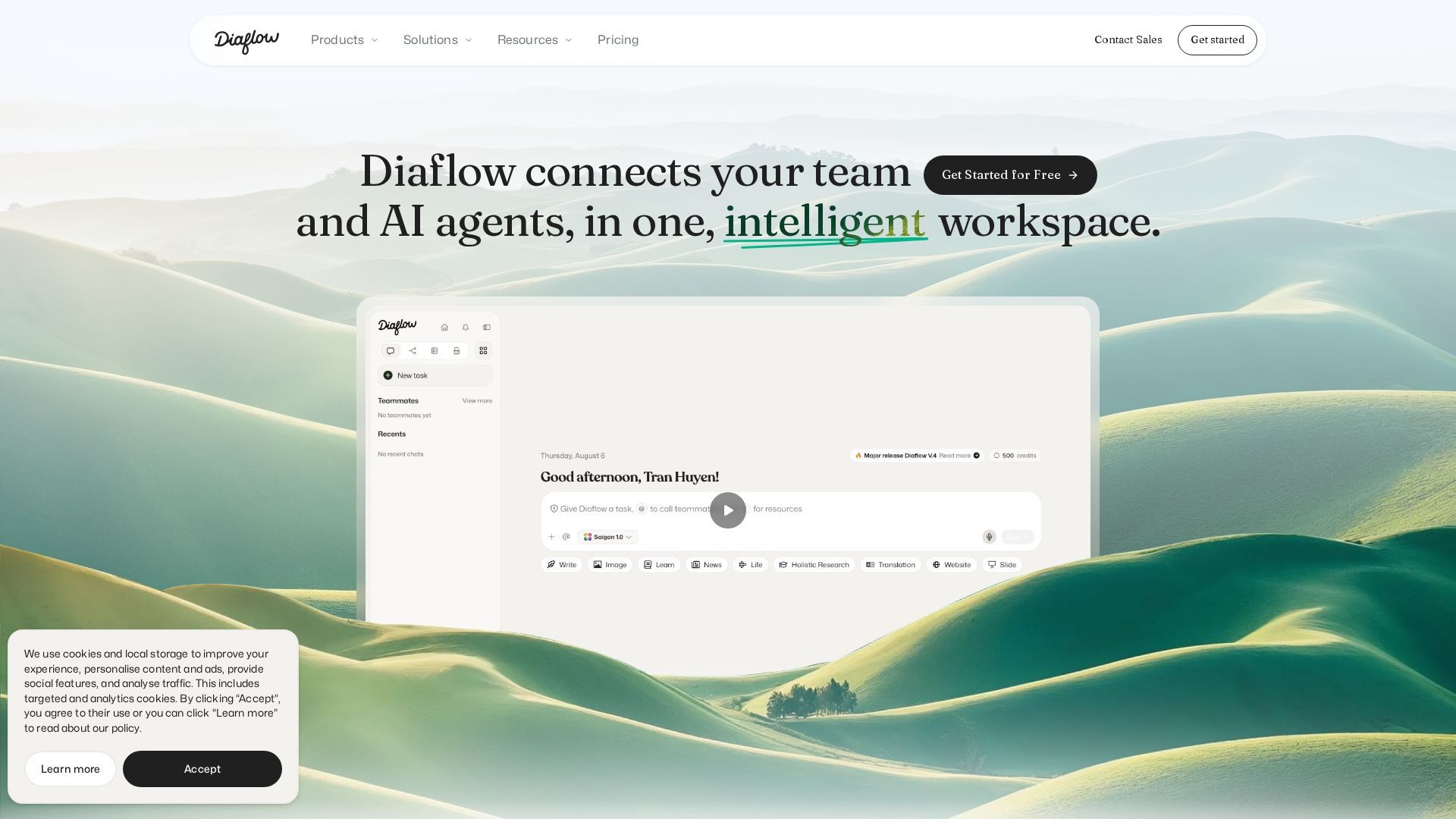
Screenshots are supplied by the agent's own listing.
Use cases
- Finance & Accounting OperationsWho it's for: Chief Financial Officers (CFOs), controllers, and finance operations leads. Practical value: Automatically extracts line-item data from incoming invoices, validates expense submissions against corporate spending policies, and executes bank reconciliation runs overnight. Human accountants only need to review flagged discrepancy exceptions, eliminating up to 70–80% of repetitive data-entry cycles.
- Marketing Operations & Multi-Channel ReportingWho it's for: Growth marketing managers and content strategists. Practical value: Ingests performance metrics from disparate advertising and analytics platforms into a single consolidated report, generates preliminary campaign briefs, and routes drafted marketing copy through approval workflows to automatic publication.
- Sales Intelligence & Pipeline ManagementWho it's for: Sales Development Representatives (SDRs), account executives, and revenue operations teams. Practical value: Researches inbound prospects, extracts firmographic data from public web sources, and enriches CRM lead scores in under one minute. Following sales interactions, agents automatically synthesize meeting notes, update pipeline stages, and draft personalized follow-up sequences.
- Product, Engineering & Support OperationsWho it's for: Product managers, technical project leads, and customer operations teams. Practical value: Ingests user feedback across tickets and communication channels, clusters qualitative feedback into thematic priorities, automatically categorizes incoming support tickets, and drafts release notes based on resolved technical issues.
Frequently asked questions
- What is Diaflow and how does it work?
- Diaflow is an autonomous AI agent platform designed for businesses to automate multi-step operational workflows without writing code. It works by combining autonomous AI Teammates, a visual workflow builder (Studio), and integrated databases (Tables) in an isolated workspace where agents execute tasks 24/7 based on predefined schedules and triggers.
- Does Diaflow use company data to train AI models?
- No, Diaflow explicitly guarantees that customer data is never used to train public or proprietary AI models. All uploaded documents, database records, and vector embeddings remain isolated within each customer's workspace under strict role permissions and audit tracking.
- Can non-technical business teams build workflows in Diaflow?
- Yes, Diaflow is designed specifically for non-engineering professionals across finance, marketing, sales, and operations. The platform uses a drag-and-drop visual interface and pre-built operational templates, enabling business users to assemble workflows and automate processes without writing backend software.
- What are the main differences between Diaflow Pro and Business plans?
- The Pro plan ($25/month) is tailored for individual power users, providing 5,000 credits, 5 Teammates, and 50 Studio projects. The Business plan ($300/month) is built for collaborative teams, including 10 user seats, 60,000 monthly credits, 50 Teammates, 1,000 Studio projects, advanced usage analytics, and priority customer support.