
Lindy
ActiveLindy – The AI Teammate That Lets You Do More
From $29.99Autonomous Agents
At a glance
Lindy is an autonomous AI assistant and digital teammate designed to manage daily business operations, meeting documentation, and cross-application workflows. Operating on a model-agnostic architecture with native support for the Model Context Protocol (MCP), Lindy embeds directly into Slack and iMessage, executing tasks across 1,500+ tools while maintaining editable memory folders.
How it works
- Connect workplace applications: Authenticate workplace communication channels (Slack, email inboxes, calendar) and core business software (Notion, HubSpot, Zendesk, or custom MCP servers).
- Define context and custom skills: Upload brand guidelines, operational rules, and reference materials into Lindy's editable memory folder, or pick from over 40 pre-configured productivity skills.
- Assign work or set automated schedules: Call @Lindy directly inside a Slack thread, send instructions via iMessage, or configure autonomous recurring schedules such as daily briefs or weekly metric rollups.
- Autonomous execution with human review: Lindy analyzes the request, queries connected systems, processes data across selected frontier LLMs, and presents draft outputs or requests confirmation before applying state changes.
Features and capabilities
Workplace Communication
- Slack-native teammate that works in threads and responds to mentions.
- Inbox management and reply drafting in the user's voice across connected inboxes.
- iMessage access for communicating with and assigning tasks to the assistant.
Meeting Management
- Shared meeting library with audio recordings, transcripts, and dedicated team folders.
- Meeting recording, structured notes, scheduling, preparation, and automatic follow-up.
- Searchable meeting knowledge base that can be queried anytime by team members.
Extensibility & Integrations
- Direct support for 1,500+ integrations and the open Model Context Protocol (MCP).
- Over 40 included skills for research, data analysis, deck generation, and dashboards.
- Custom skills builder to save any repeatable multi-step process for the team.
Memory & Governance
- Editable memory folders stored in plain files for full transparency and inspection.
- Scheduled autonomous routines for recurring morning briefs, reports, and reminders.
- Built-in role-based approvals for actions requiring human review.
Screenshots
See Lindy in action
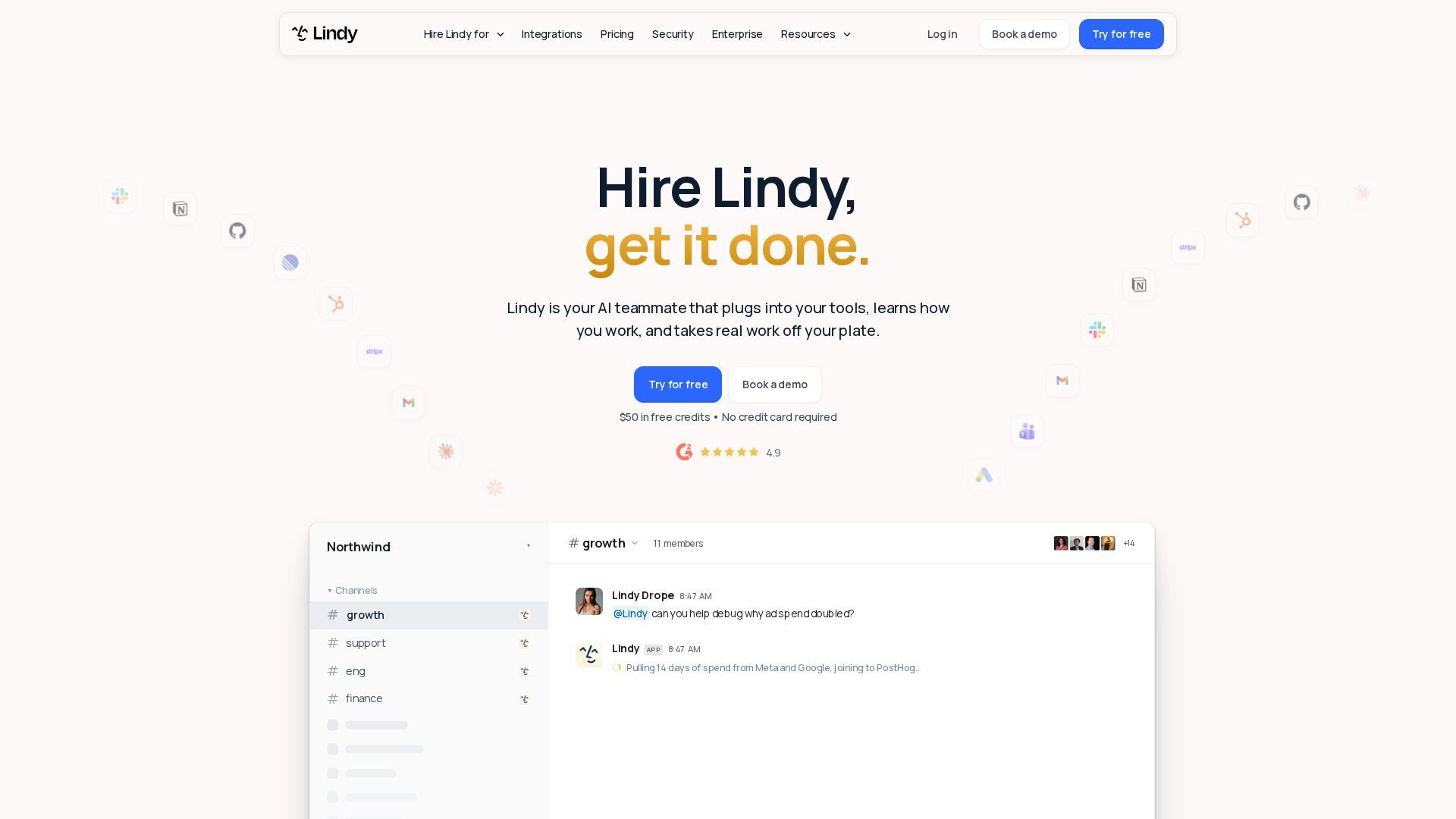
Screenshots are supplied by the agent's own listing.
Use cases
- Operations & Financial ReconciliationTarget audience: Operations Directors, Finance Managers, and Startup Founders. Practical value: Lindy connects transactional engines (such as Stripe) directly with accounting spreadsheets or Google Sheets ledgers. Instead of manual row-by-row reconciliation, Lindy compares thousands of charges against ledger entries, flags cutoff anomalies and duplicate charges within seconds, and produces an exception summary for human approval.
- Customer Support & Engineering TriageTarget audience: Customer Support Leads and Engineering Incident Commanders. Practical value: During sudden ticket spikes, Lindy scans hundreds of open tickets across Intercom and Zendesk, groups them by underlying technical root cause rather than basic keywords, and correlates incident timing against recently deployed git pull requests. It drafts incident notes and engineering tickets, reducing initial triage time from hours to minutes.
- Executive Meeting & Inbox DelegationTarget audience: C-Suite Executives, Solopreneurs, and Growth Agency Owners. Practical value: Lindy acts as a personal chief of staff, monitoring executive inboxes, drafting contextual replies matching the executive's voice, and managing meeting calendars. It attends client calls, produces structured action matrices, and shares contextual recordings directly to relevant department channels without manual follow-up friction.
Frequently asked questions
- What is Lindy AI?
- Lindy is an autonomous AI assistant and digital teammate that connects to your workplace apps to handle scheduling, email triage, meeting notes, customer support escalation, and scheduled operational workflows via Slack, iMessage, and web interfaces.
- Is Lindy AI free to use?
- Yes, Lindy offers a Free plan with $50 in credits for the first 7 days without requiring a credit card. Teams can subsequently upgrade to paid credit plans starting at $29.99 per active seat monthly.
- How do Lindy AI credits and pricing work?
- Lindy operates on a pooled credit structure starting at $29.99 monthly for 3,000 credits per seat. Basic tasks consume 2–250 credits, deep work takes 250–1,000 credits, and heavy builds take 1,000–2,500 credits, with top-ups available at $10 per 1,000 credits.
- How does Lindy integrate with tools like Slack and Gmail?
- Lindy connects via native API integrations and the Model Context Protocol (MCP) across 1,500+ business applications, allowing it to monitor threads, process incoming emails, and execute actions with role-based approval gates.