
Littlebird
ActiveAmbient AI assistant with continuous work memory and bot-free meeting intelligence
At a glance
Littlebird is an ambient, always-on AI assistant designed to eliminate the repetitive friction of manually catching up software on your daily context. Built as a native desktop application for macOS and Windows with companion mobile apps for iOS and Android, it quietly observes active windows, reads on-screen documentation, and listens to meeting audio without requiring external bot participants. Instead of asking users to repeatedly paste meeting transcripts, summarize long threads, or re-explain ongoing project histories, Littlebird builds an encrypted index of daily activity to answer queries and draft deliverables immediately.
How it works
- Install and Grant System Permissions: Download the native desktop application on macOS (13+) or Windows and authorize the required system accessibility and microphone permissions.
- Passive Context Indexing: Work normally across your web browser, code editor, design boards, and communication tools; Littlebird continuously indexes active window text in the background without recording video.
- Capture Meetings Without Bot Disruption: Join scheduled or spontaneous calls; Littlebird detects the conversation, captures audio locally through the system, and produces structured notes without inviting an external bot participant.
- Summon Ambient Chat: Tap the shortcut key to open the Hover overlay anywhere on your screen and ask questions about current or historical tasks without pasting background materials.
- Execute Actions and Sync via MCP: Command Littlebird to draft emails in your personal voice, compile daily project updates into Linear, or feed indexed context directly into Cursor or Claude via MCP.
Features and capabilities
Ambient Context & Work Memory
- Active Window Element Reading: Inspects interface text and elements of the active window via OS accessibility APIs every few seconds without screen recording.
- Fallback OCR Capture: Takes momentary single-window snapshots for OCR only when text elements are unreadable, immediately deleting the image.
- Credential Redaction: Automatically bypasses password fields, credit card numbers, and password managers like 1Password and Bitwarden.
- Hover Desktop Overlay: Summons an ambient conversational assistant over any active screen via a single keyboard shortcut.
Meeting Intelligence
- System-Level Audio Capture: Captures meeting audio directly from system sound without inviting third-party bot accounts to calls.
- Multi-Language Meeting Notes: Transcribes and summarizes live calls, recorded audio, and video files in 10+ languages.
- Action Items & Executive Recaps: Generates structured decisions and personalized 'For You' action items automatically after each meeting.
Workflow Automation & Extensibility
- Scheduled Routines & Daily Briefings: Prepares recurring morning briefings, daily standups, and weekly summaries from past activity and messages.
- Model Context Protocol (MCP) Server: Connects Littlebird's indexed desktop context directly to developer tools like Cursor and Claude.
- App Connectors & Action Execution: Native bi-directional connectors for Notion, Linear, ClickUp, monday.com, Jira, Confluence, and Google Calendar.
Screenshots
See Littlebird in action
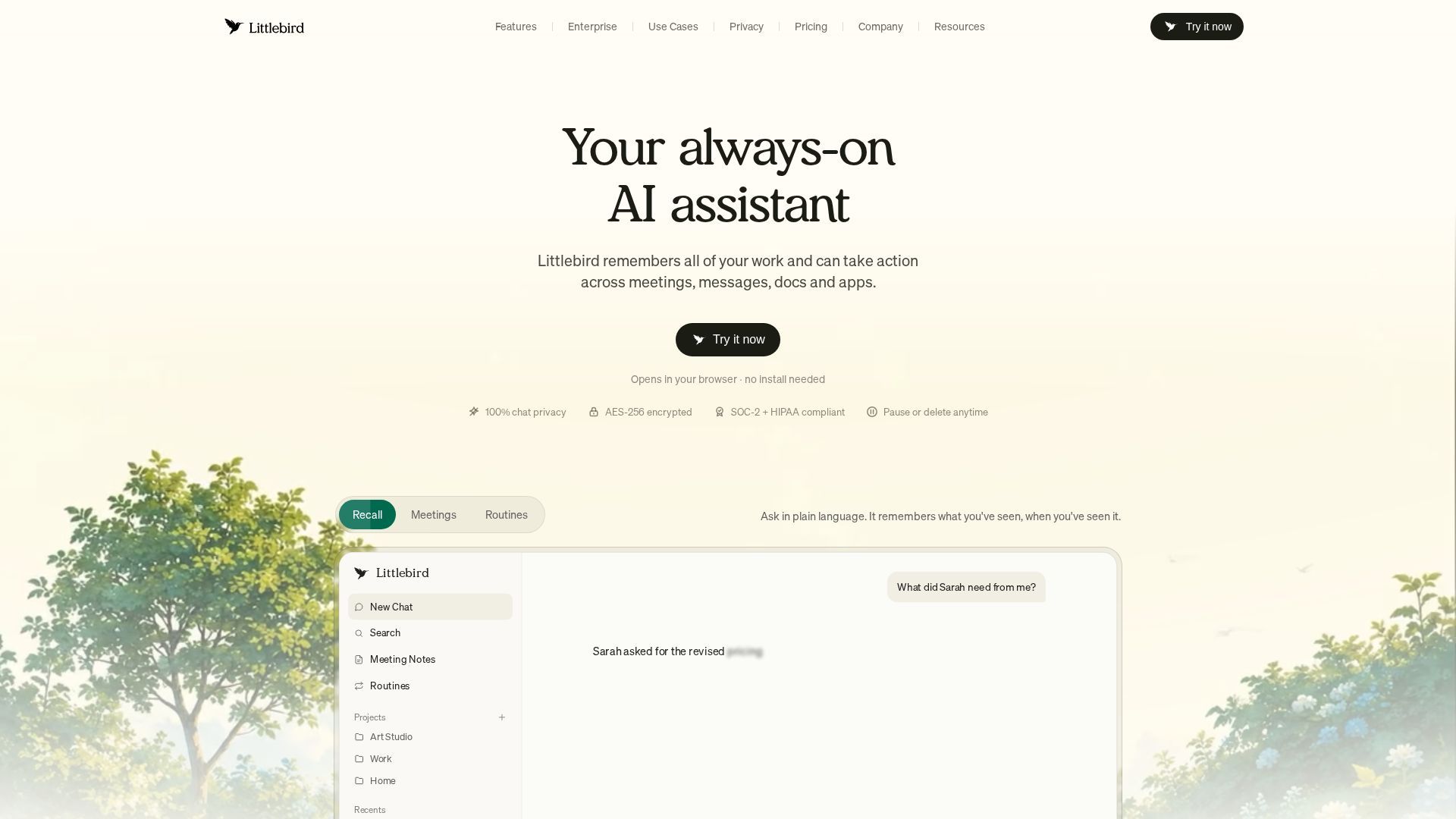
Screenshots are supplied by the agent's own listing.
Use cases
- Bot-Free Meeting Recaps & Ticket SyncWho it's for: Senior Product Managers and project leads coordinating cross-functional teams across Jira, Slack, Figma, and Zoom. Practical value: Eliminates manual synthesis of post-meeting action items. Captures call audio directly and syncs open tickets to draft release updates without leaving the active document.
- Technical Context Recall via MCPWho it's for: Full-stack developers, DevOps engineers, and technical leads using Cursor or Claude. Practical value: Accelerates daily standup prep and debugging by exposing historical desktop context and Slack architecture decisions directly to code assistants via MCP.
- Automated Daily Briefings & Work PrioritizationWho it's for: Solo founders, agency operators, and executives managing high-volume communication. Practical value: Reduces morning preparation overhead by automatically producing consolidated daily briefings from yesterday's emails, viewed docs, and upcoming calendar commitments.
Frequently asked questions
- What makes Littlebird different from traditional AI assistants like ChatGPT or Claude?
- Littlebird functions as an ambient work-memory layer rather than an isolated web chatbot. While traditional assistants require you to manually copy and paste background data, Littlebird passively indexes active windows and meeting audio locally, allowing you to ask questions with full historical context already loaded.
- Does Littlebird record my computer screen or log keystrokes?
- No, Littlebird is neither a screen video recorder nor a keylogger. It inspects window interface elements through operating system accessibility APIs, automatically excludes password managers and financial data, and immediately purges temporary fallback OCR snapshots.
- How does Littlebird take meeting notes without inviting a bot?
- Littlebird transcribes calls by capturing inbound and outbound audio streams directly from your computer's audio system. Because audio processing occurs locally without dial-in web participants, no external bot appears in your Zoom, Google Meet, or Microsoft Teams roster.
- Can I connect Littlebird's context memory to external tools like Cursor or Claude?
- Yes, Littlebird provides native support for the Model Context Protocol (MCP) on Plus, Power, Pro, and Team plans. This allows external MCP-compatible editors and LLM clients to query Littlebird's indexed desktop context and past meeting decisions directly.