
Make
ActiveVisual workflow automation for multi-step integrations, AI-powered scenarios, and complex business processes.
At a glance
Make (formerly Integromat) is a visual automation platform for designing, building, and managing multi-step business workflows. Its canvas helps operations teams, automation specialists, product teams, and developers connect applications, map data, and control how information moves between systems. Compared with basic trigger-and-action tools, Make is designed for workflows that require branching logic, filters, data transformation, iterators, aggregators, and module-level error handling. For organizations comparing workflow automation tools, it combines a no-code interface with the technical depth needed for more complex operational processes. Make also supports AI-powered workflows through Make AI Agents and Model Context Protocol capabilities. It is best suited to teams that want visual control over automation logic and are prepared to learn its data-mapping model.
How it works
1. Create a scenario and choose a trigger
Start a new scenario and select the event that should initiate the workflow. Depending on the connected application, the trigger may use an instant webhook or run on a schedule.
2. Connect applications and authenticate accounts
Add the applications required by the process and authorize each connection using the supported authentication method.
3. Map and transform workflow data
Map output fields from earlier modules into later actions. Use filters and built-in functions to format text, dates, numbers, arrays, and other data types.
4. Add routes, error handling, or AI logic
Use routers for conditional paths, configure error-handling behavior for critical modules, and add AI steps when the workflow needs classification, summarization, extraction, or flexible decision support.
5. Test, activate, and monitor the scenario
Run the scenario with sample data, inspect module inputs and outputs, correct mapping issues, activate the schedule or webhook, and monitor execution history after launch.
Features and capabilities
Visual canvas and multi-branch routing
- Build workflows as visual scenarios made up of connected application and logic modules.
- Split a scenario into conditional paths with routers and filters.
- Map outputs from earlier modules into later steps and apply built-in transformation functions.
Data processing and state management
- Use iterators to split collections into individual bundles.
- Use aggregators to combine processed items into structured outputs.
- Persist lookup, deduplication, or lightweight state data with Data Stores.
Execution control and error handling
- Configure error-handling directives such as Ignore, Resume, Break, Rollback, and Commit where supported.
- Inspect scenario runs and module input-output data through execution history.
AI agents and extensibility
- Use Make AI Agents and scenario tools for workflows involving unstructured requests.
- Connect supported AI clients and Make capabilities through Model Context Protocol workflows.
- Trigger and extend scenarios through APIs and webhooks.
Screenshots
See Make in action
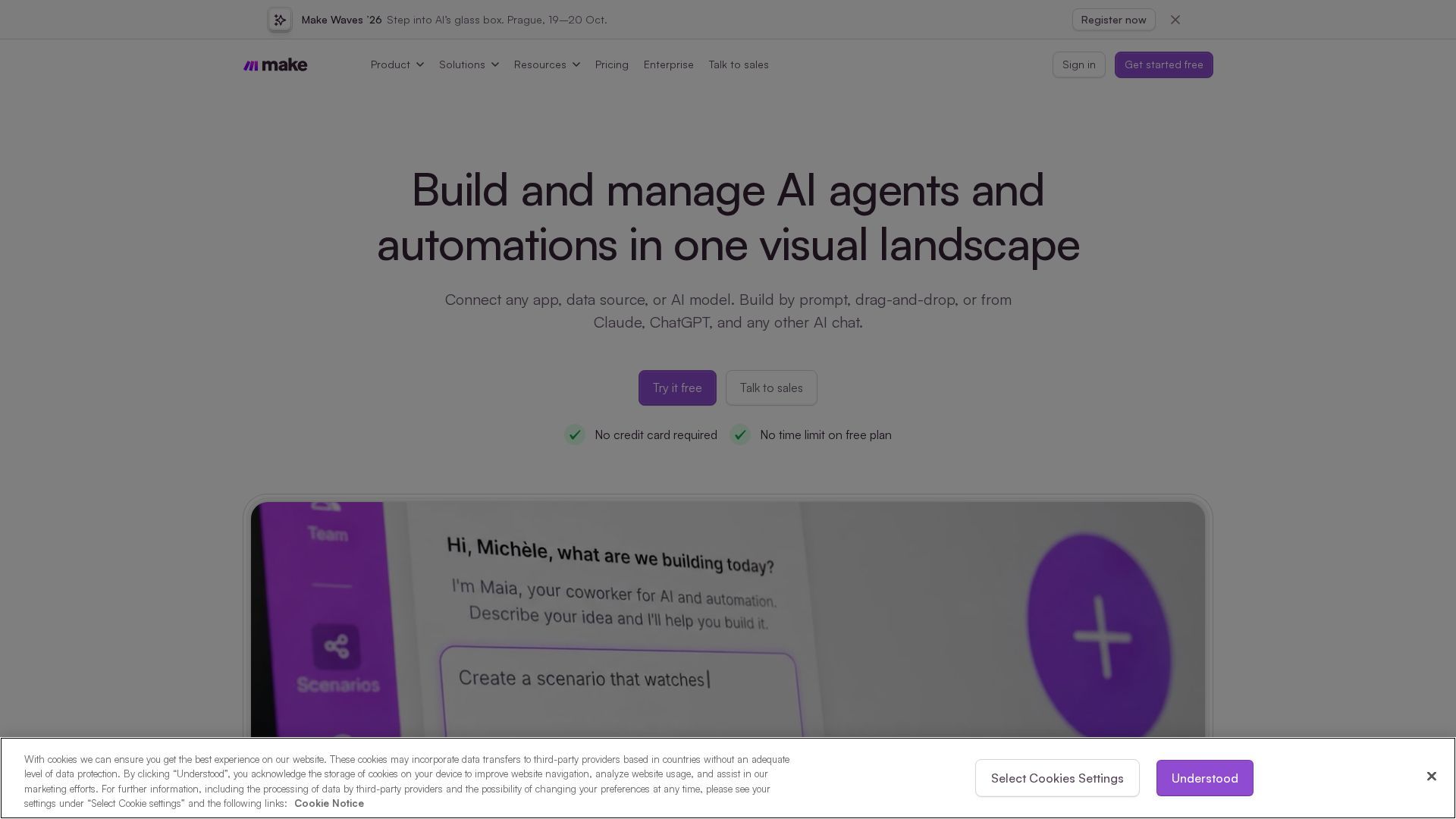
Screenshots are supplied by the agent's own listing.
Use cases
- Employee onboarding and cross-system operationsFor operations managers, People Operations teams, and IT administrators. A new-hire event can trigger account creation, task assignment, record synchronization, and scheduled onboarding messages across connected applications. This helps coordinate onboarding across HR, identity, project-management, and communication systems while reducing repetitive data entry.
- Lead enrichment and revenue operationsFor B2B growth teams, marketing operations specialists, and RevOps leaders. A form submission can trigger enrichment, duplicate checking, qualification logic, CRM updates, and notifications for the responsible sales representative. This helps standardize lead data and apply consistent routing rules.
- AI-assisted support ticket triageFor customer support leads, support operations teams, and customer success managers. An incoming helpdesk ticket can be analyzed by an AI step, tagged by topic or urgency, routed to the appropriate queue, and escalated through collaboration tools. This can reduce manual triage while retaining human review where needed.
Frequently asked questions
- What is Make used for in workflow automation?
- Make is used to connect applications, transform data, and automate repeatable processes through visual scenarios. Teams can build simple application synchronizations as well as multi-step workflows with filters, branching routes, data processing, and error handling.
- How do credits work in Make's pricing model?
- Credits are Make's usage unit. Many standard module operations consume credits as a scenario runs, while some AI and advanced processing features may use credits differently. Monthly allowances and available features depend on the selected plan, so users should confirm current limits on Make's official pricing and Help Center pages.
- Can Make run AI agents and connect through MCP?
- Yes. Make provides AI-agent capabilities for workflows that need to interpret unstructured inputs and choose actions. It also provides Model Context Protocol capabilities that can expose supported Make tools or scenarios to compatible AI clients. Availability and configuration requirements may vary by product release and plan.
- How does Make differ from Zapier for complex workflows?
- Make emphasizes a visual canvas, branching routers, detailed data mapping, iterators, aggregators, and module-level error handling. Zapier generally prioritizes a more guided trigger-and-action setup. The better choice depends on workflow complexity, integration requirements, usage volume, and the team's technical comfort.